Photo & media consent form your agent can personalize.
A clean consent form covering who, what purpose, and for how long, with a printed signature line. Download it free and let Claude personalize one per participant.
No signup to download. Sign up free when you want Claude to fill it in over MCP.
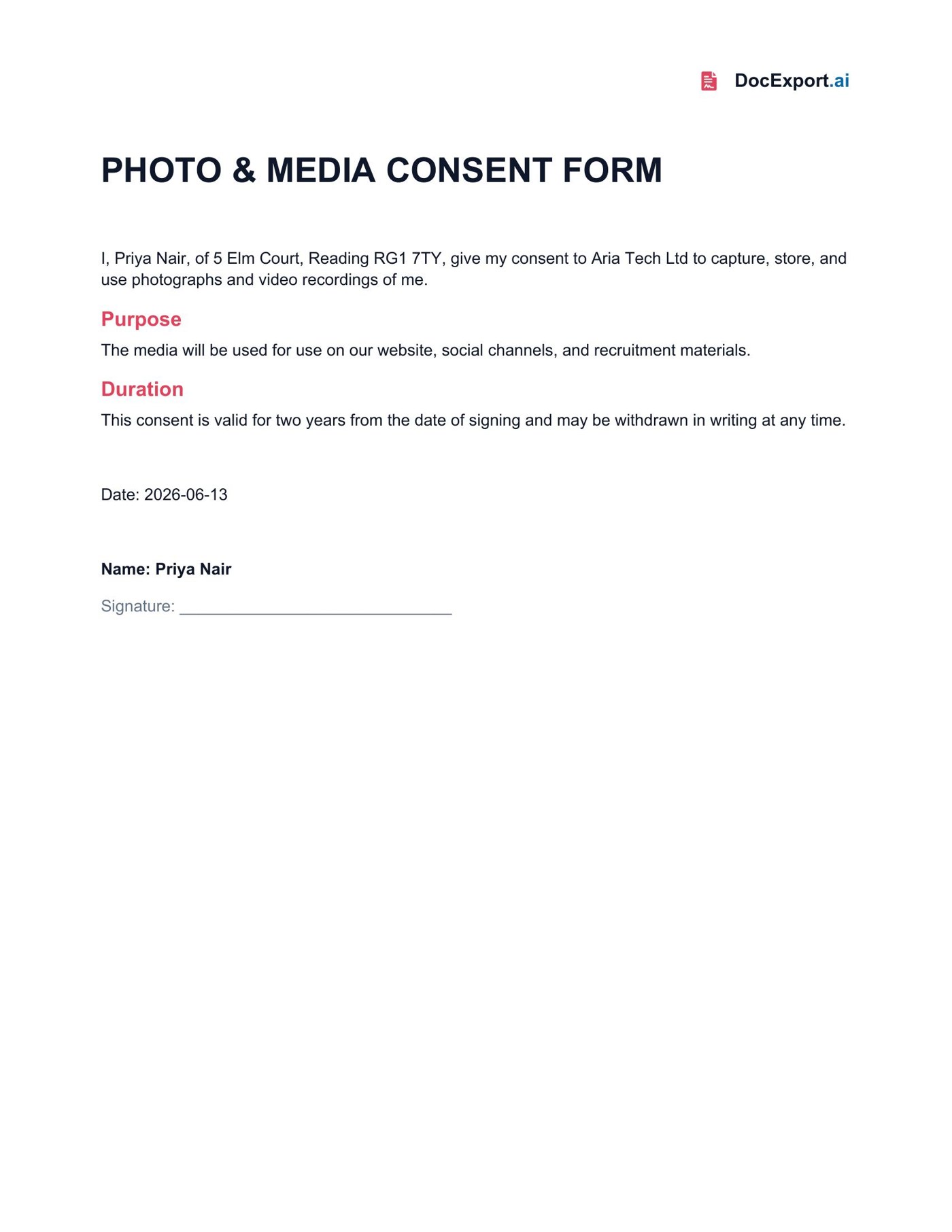
Rendered with sample data — click to open full size
About this template
This consent form exposes the participant, organization, purpose, and validity period as named placeholders, with the consent language kept fixed so an agent never rewrites the legal text. It ends with a printed-name and signature line for wet signing on print. (The monday version captures a signature image at form submission; the standalone product is text-first, so signing happens on the printed PDF.)
Every {{placeholder}} the agent fills in.
| Field | What it means | Example |
|---|---|---|
{{ParticipantName}} | Name of the person consenting. | Priya Nair |
{{ParticipantAddress}} | Participant's address. | 5 Elm Court, Reading |
{{OrganizationName}} | Organization capturing the media. | Aria Tech Ltd |
{{Purpose}} | How the media will be used. | use on our website and social channels |
{{Duration}} | How long consent is valid. | two years |
{{ConsentDate}} | Date of signing. | 2026-06-13 |
Ask Claude in plain English.
Or pass a JSON payload directly
{
  "ParticipantName": "Priya Nair",
  "ParticipantAddress": "5 Elm Court, Reading RG1 7TY",
  "OrganizationName": "Aria Tech Ltd",
  "Purpose": "use on our website, social channels, and recruitment materials",
  "Duration": "two years",
  "ConsentDate": "2026-06-13"
}From download to Claude-callable in four steps.
Grab the .docx, open it in Word, and swap in your logo, colors, and any clauses you want. Keep the {{placeholders}} you need.
Drop the file into your DocExport workspace. It auto-annotates every field in plain English so your agent knows what each one means.
Point Claude (Desktop, API, or any MCP client) at your DocExport endpoint. The template shows up as a callable tool.
Ask in plain English. Claude previews, self-corrects, and returns a polished PDF or DOCX via signed URL.
More free templates built for AI agents.
Make this template Claude-callable.
25 documents / month on the free tier. No credit card. Upload, annotate, and connect Claude in under 10 minutes.
Start free